Storage Configuration
Bsh Engine makes it easy to manage your file uploads using built-in integrations with popular cloud providers.
Cloudinary Integration
Bsh Engine offers a seamless Cloudinary integration, enabling you to configure file uploads and store assets directly in your Cloudinary account with minimal setup.
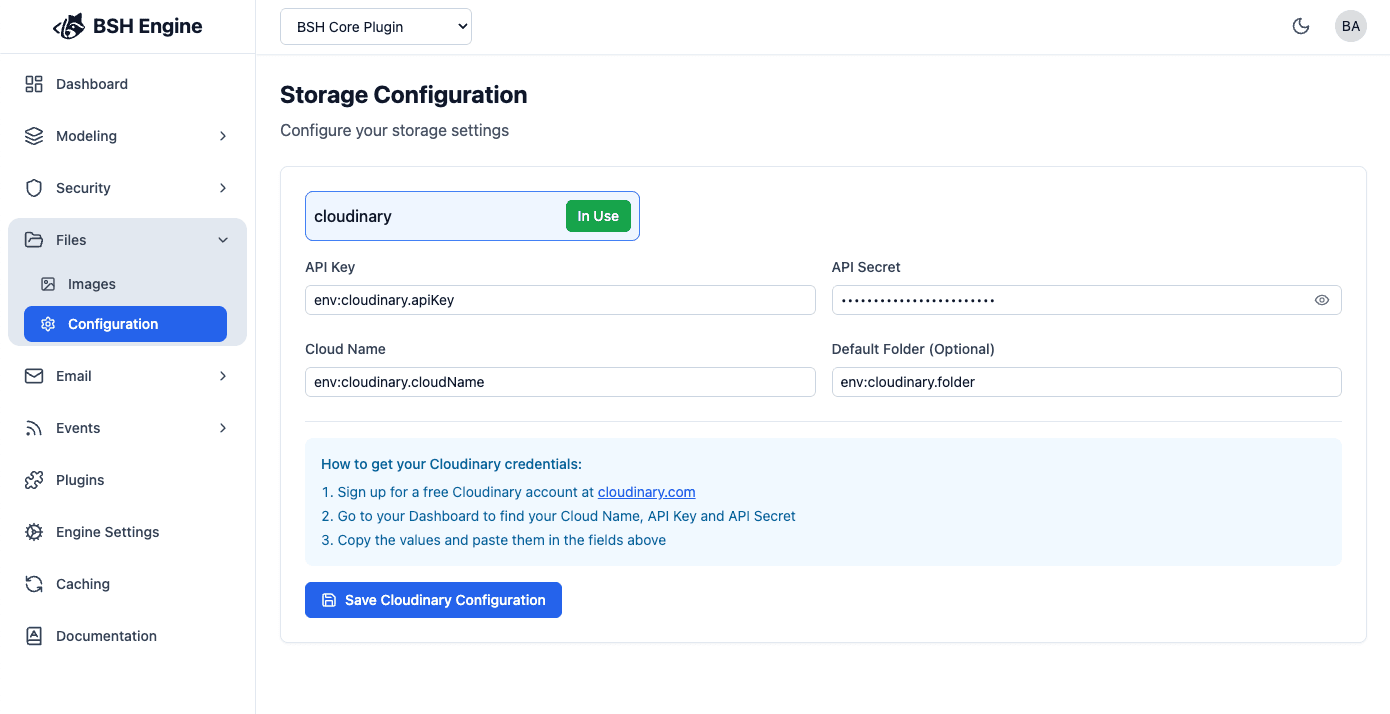
| Property | Description | Required |
|---|---|---|
| Cloudinary URL | The complete Cloudinary URL including your API key, API secret, and Cloud name (format: cloudinary://<api_key>:<api_secret>@<cloud_name>). | Yes |
| Default Folder | The folder name to store uploaded files. If not specified, files will be saved to the Cloudinary root folder. | No |
For more information, see the Cloudinary documentation .
Additional storage providers will be supported in upcoming releases. Stay tuned for updates!
