Plugins
Plugins are a way to extend the functionality of the Engine. They allow you to add new features to the Engine without having to modify the core code.
Creating a Plugin
There is two ways to create a new plugin:
- Use the
bshg plugins generatecommand to create a new plugin and generate the necessary files. - Use the GitHub template to create a new plugin repository: bshengine.plugin.template
Plugin Structure
The BSH Engine plugin system uses three essential file types that work together to define and install plugin components:
- Config file -
bshplugin.json: should be placed in the root of the plugin directory. it defines the plugin identity, metadata, and variables. - Manifest files -
__manifest__.json: located inside each component directory (e.g.,BshTypes/,BshSchemas/, etc.). it defines the metadata, dependencies, and loading order of the content files. - Content files -
dir/**/*.json: located anywhere within component directories (supports nested structure). it contains the actual data/definitions that get installed into target entities.
- bshplugin.json
- __manifest__.json
- user.json
- country.json
- __manifest__.json
- CountryCode.json
- Email.json
- __manifest__.json
- UserSchema.json
- CountrySchema.json
Plugin Installation
CLI
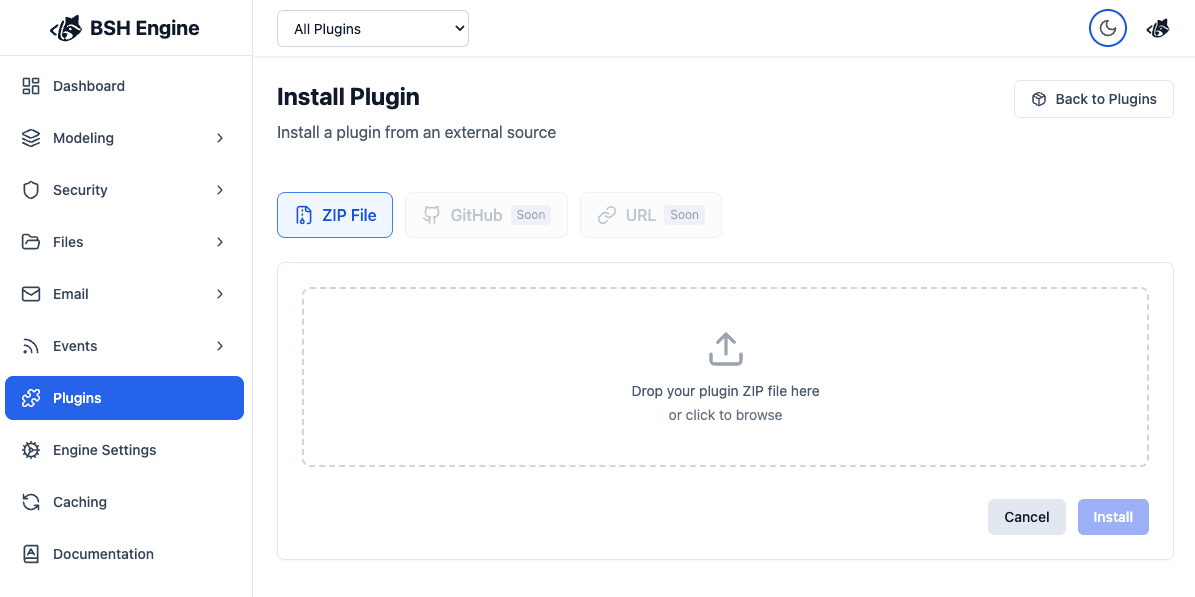
To install a plugin via CLI, use the command plugins install.