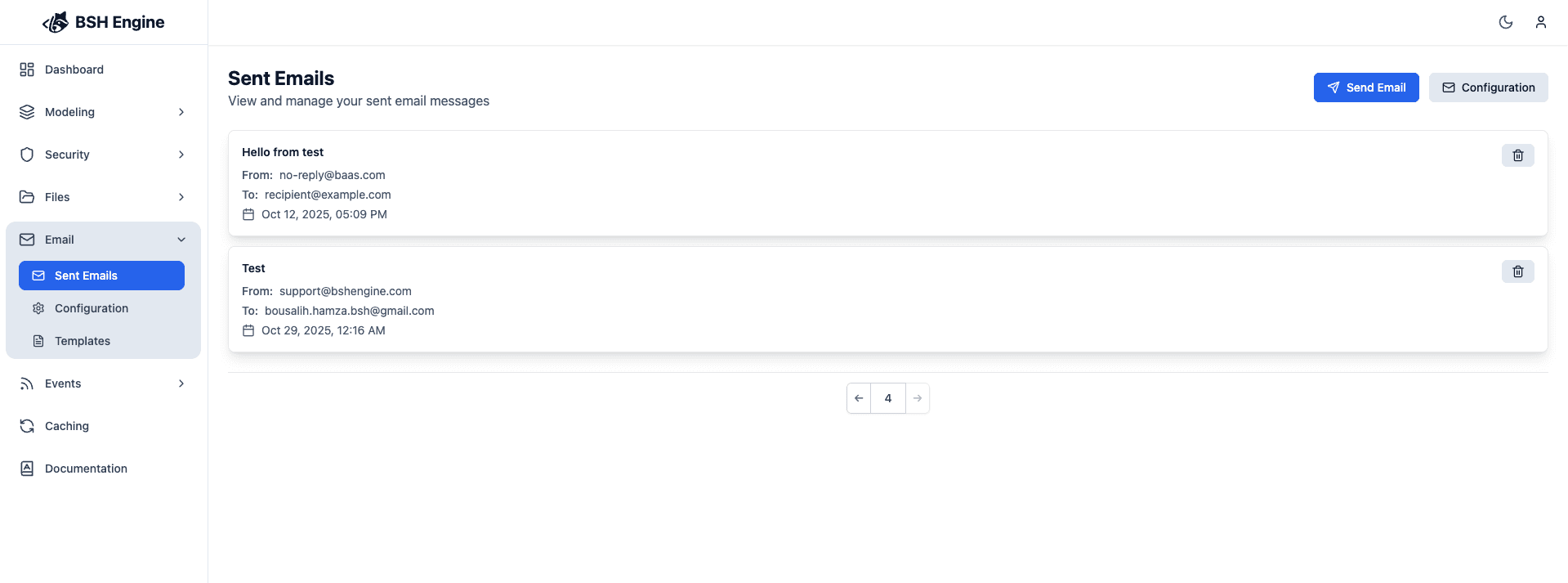
Send Email
After you have configured the email configurations, you can use either the admin panel or the API to send emails to your users.
Admin Panel
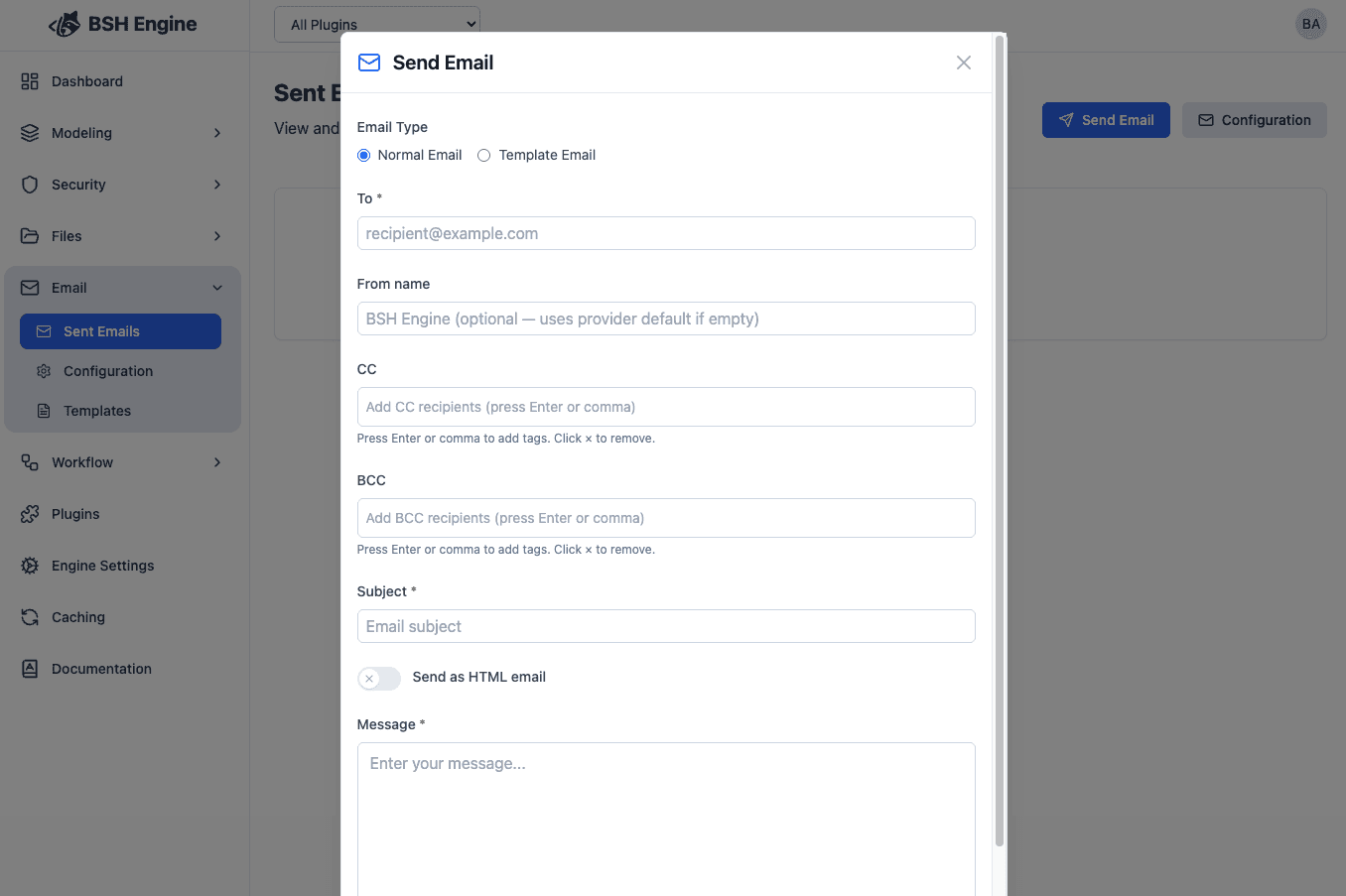
| Property | Description | Required | default |
|---|---|---|---|
| To | The email address of the recipient | Yes | ~ |
| CC | The email address of the carbon copy recipient | No | ~ |
| BCC | The email address of the blind carbon copy recipient | No | ~ |
| Subject | The subject of the email | Yes | ~ |
| Body | The body of the email | Yes | ~ |
| From Name | Display name for the From header | No | Provider default |
| HTML | Whether the email is HTML | No | false |
Sent Emails
Every email sent will be logged in the BshEmails entity, you can see the email details and the email tracking information. When a display name was used, fromName is stored in the sent-email record payload.
the body is not saved in the database, it is only used to send the email.