Manage Tenants
For detailed request and response formats, refer to the Tenants API Documentation.
Tenants List
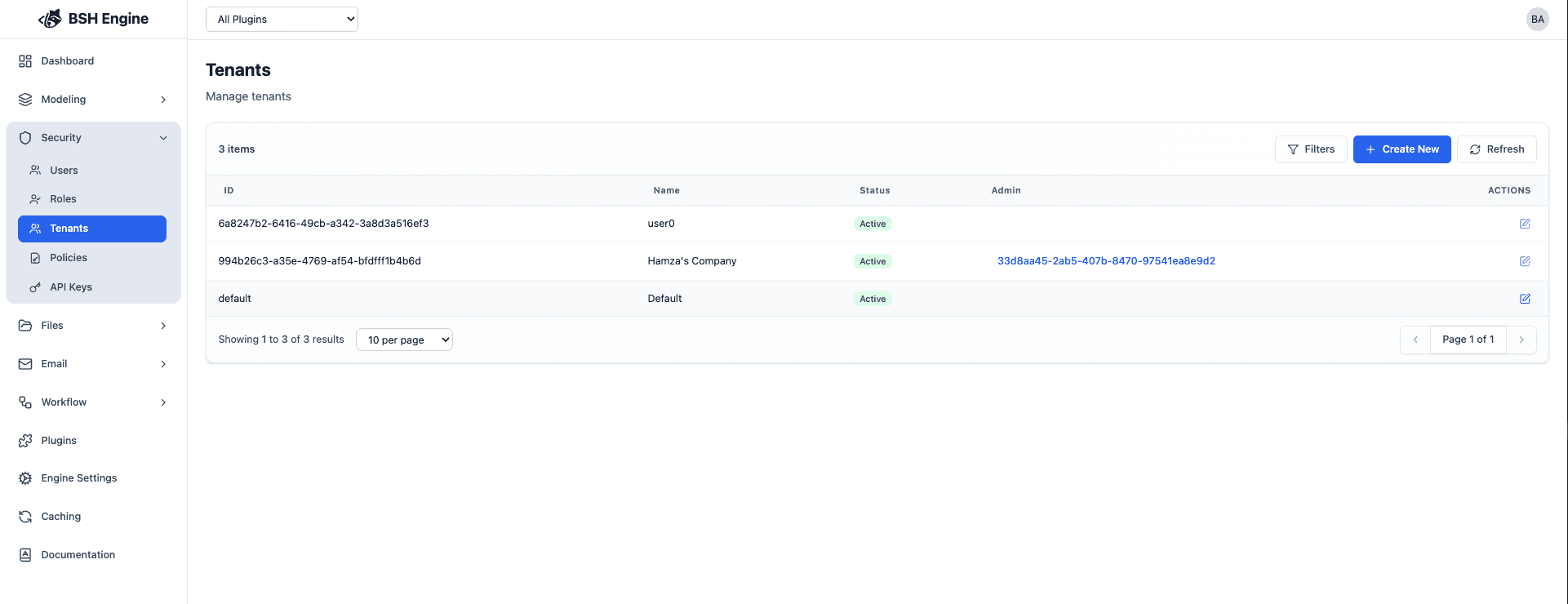
Create new Tenant
To create a new tenant, you can use the create tenant form:
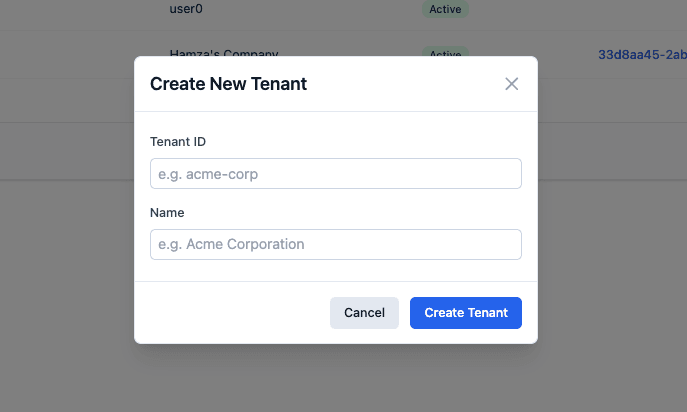
| Property | Type | Required | Description |
|---|---|---|---|
| Tenant Name | string | yes | The name of the tenant. |
| Tenant ID | string | no | The ID of the tenant. |
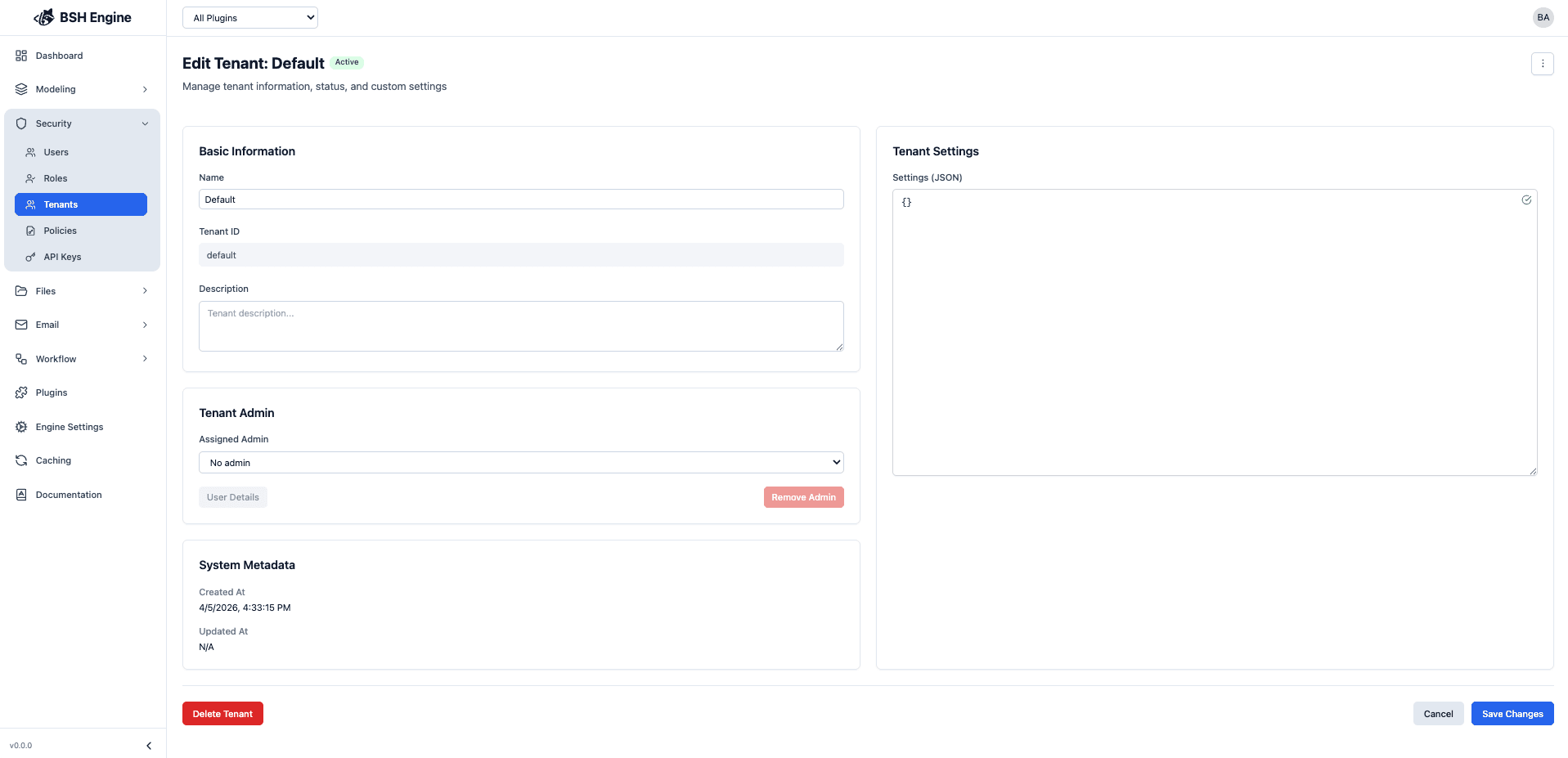
Update Tenant
The update tenant form allows you to update a tenant’s information.
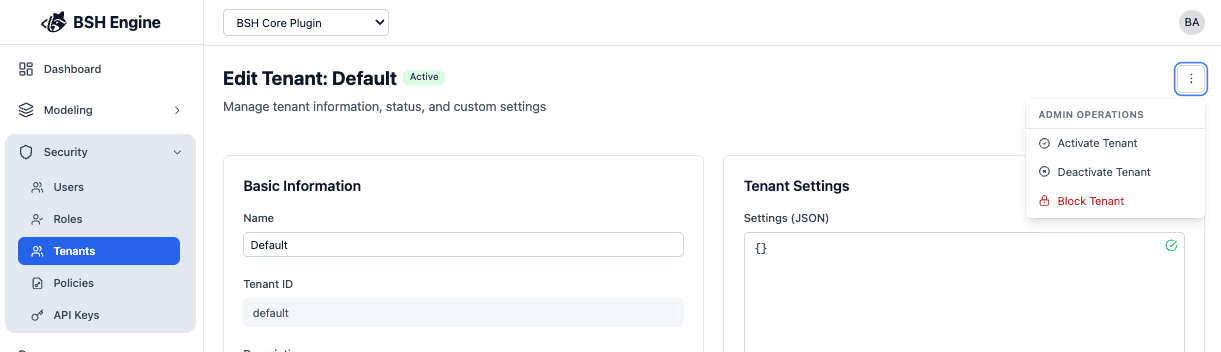
Tenant Status
The tenant status is used to determine if the tenant is active or not.
| Status | Description |
|---|---|
| Active | The tenant is active and can be used. |
| Inactive | The tenant is inactive and cannot be used. |
| Blocked | The tenant is blocked and cannot be used. |
When a tenant is blocked or inactive, all users associated with the tenant will be logged out and will not be able to access the application.
